Before procuring any hardware, it’s important to know what all hardware is required. To map this out and understand, I created a network diagram to see what device will connect to what.
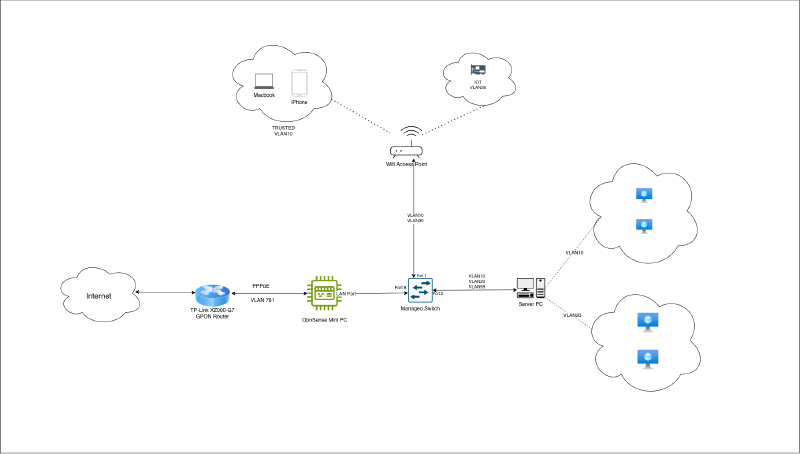
For context, before this setup I had one router that connected to ISP and all wireless/wired devices connected to this router. Generic home internet setup :)
I need 4 hardware devices - XPON Modem, Mini PC for OpnSense, Managed Switch, Wifi Access Point. Reason being - and at least 4 LAN cables. Reason being:
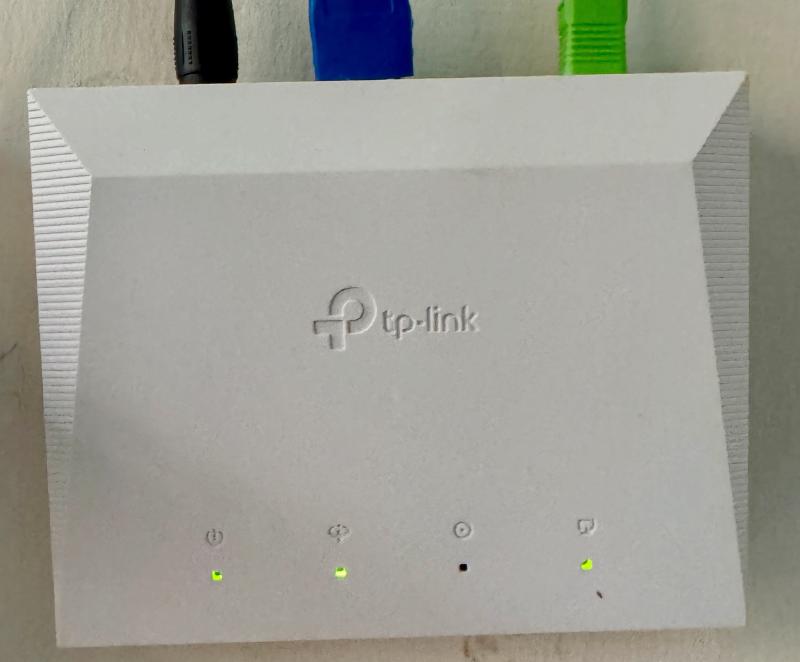
XPON Terminal Modem#
TP-Link XZ000-G7 - To connect to ISP’s fiber cable
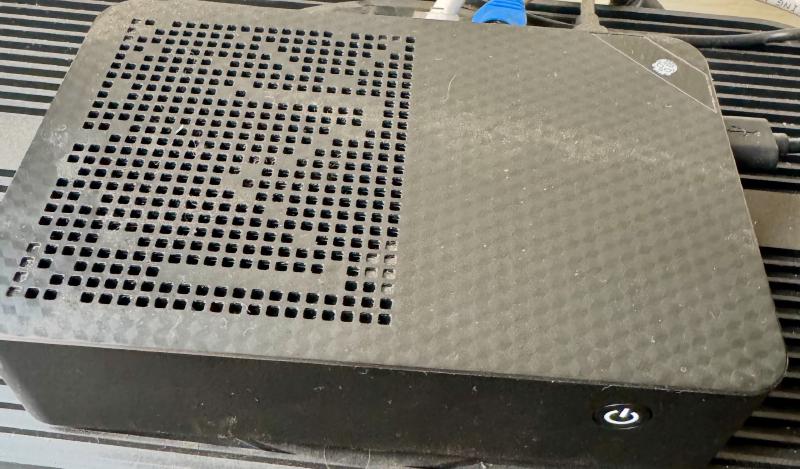
Mini PC#
I have installed OpnSense in it. You can use any old pc/laptop/server if you have. I wanted to keep router separate hence got this.
Switch#
TP-Link ES208G - 8 Port switch. Supports VLAN
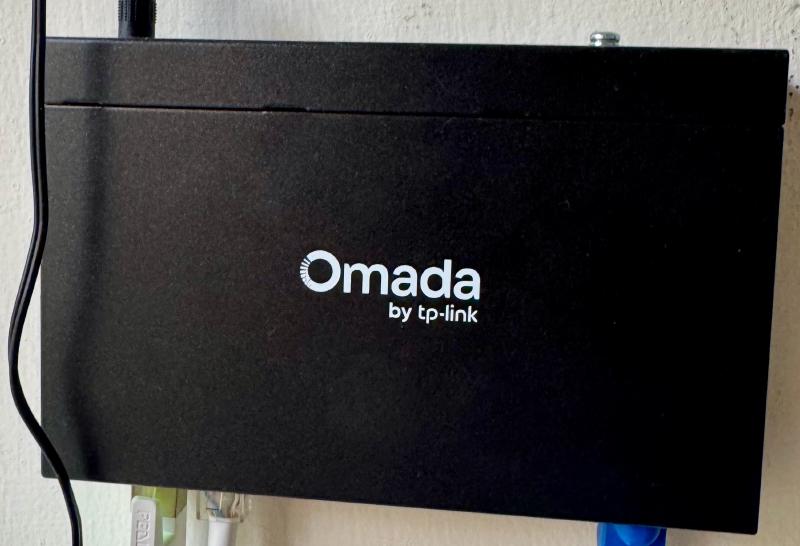
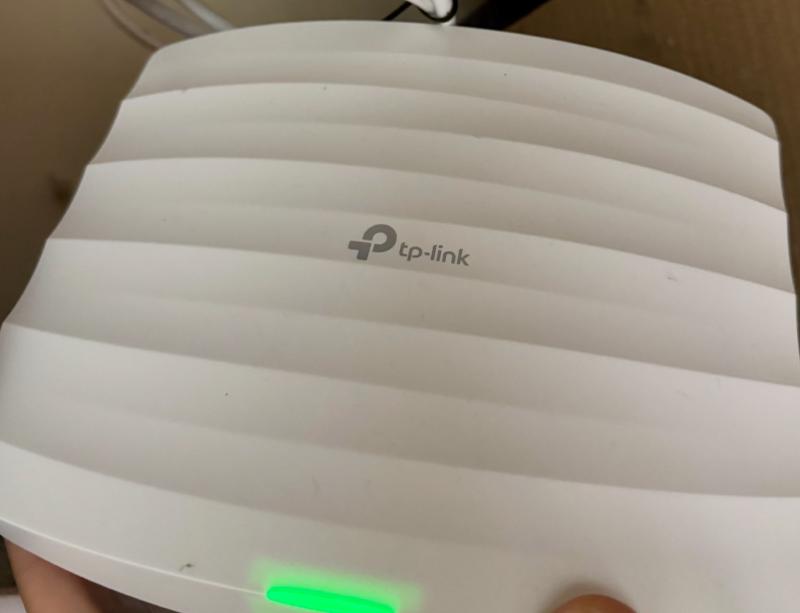
Wifi Access Point#
TP-Link AC1750 - Supports per-SSID VLAN
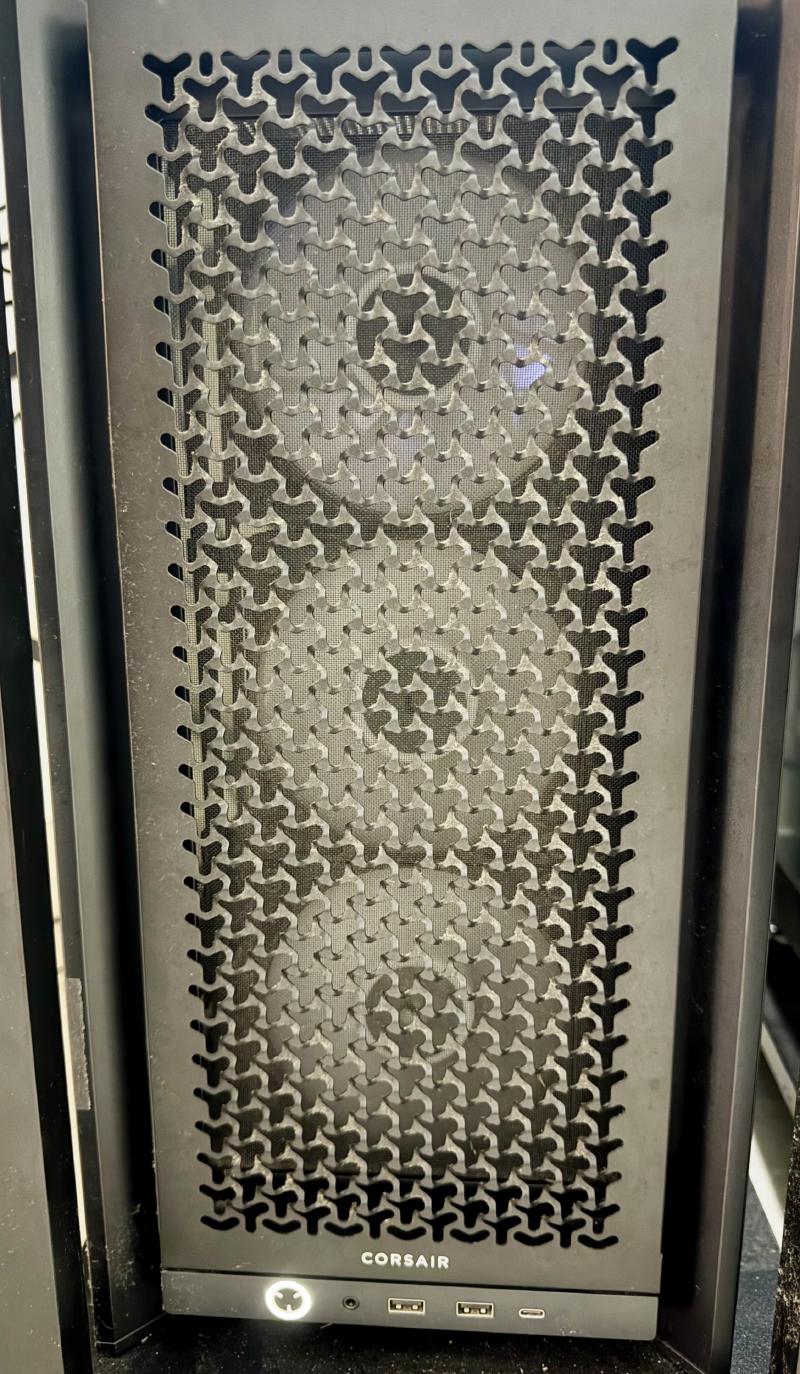
Server PC#
I already had PC, which will act as primary server. I have setup proxmox in it and run services via LXC/VMs
After procuring required hardware, I started exploring device interfaces. In next sections, I’ll discuss how I have setup each hardware device.