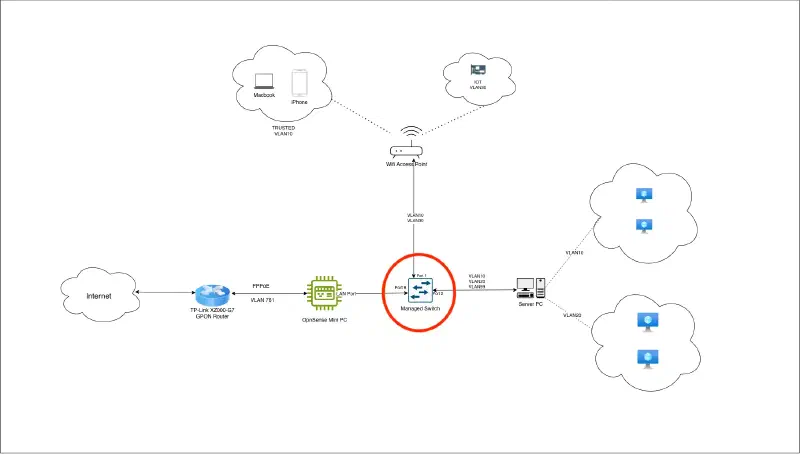
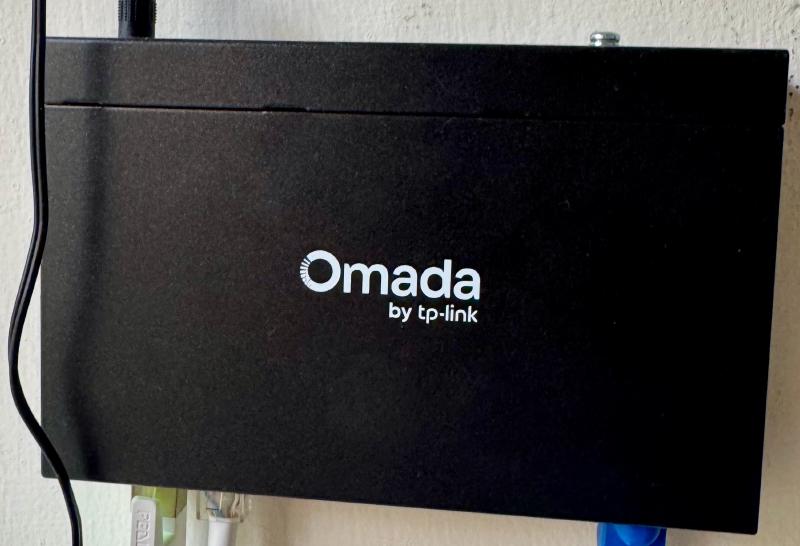
All physical devices (Wireless access point, OpnSense router, Server PC) connect to one another via switch.
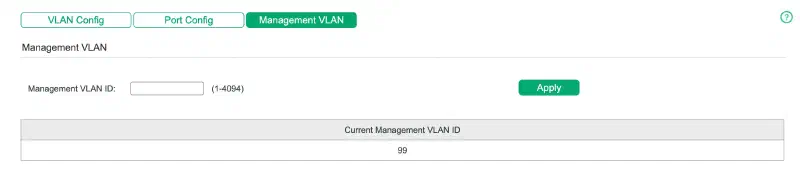
The switch is assigned IP from MANAGEMENT VLAN (VLAN99) IP pool via DHCP. This is done by assigning Management VLAN 99 in Switch interface. For further details on VLAN configuration, refer VLAN Configuration
From network diagram above:
- OpnSense connects to switch on Switch Port 8
- Server PC connects to switch on Switch Port 2
- Wireless Access Point connects to switch on Switch Port 1
Considering the VLAN configuration and the design, VLAN configuration in Switch is configured as follows:

- Port 8 (OpnSense) is tagged for all VLANs. This is important because entire VLAN configuration is driven via OpnSense. So it should have the visibility of all VLAN devices.
- Port 1 (Wireless Access Point) is tagged against VLAN10, VLAN30 and VLAN99. This is required because:
- VLAN10: Trusted devices such as Laptops, mobiles can connect via Wifi
- VLAN30: IOT devices can connect over wifi
- VLAN99: AP gets it’s own interface IP from VLAN99 IP pool
- Port 2 (Server PC) is tagged against VLAN10, VLAN20, VLAN99. This is required because:
- VLAN10: Trusted VMs
- VLAN20: Public VMs/services
- VLAN99: Proxmox in server PC gets IP from VLAN99 pool
That’s it. I’ll next configure Wireless Access Point